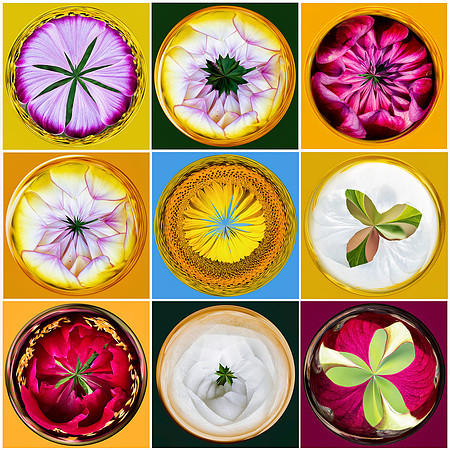
Here's the simplest way to do it:
* Choose a photo with intense colors to get a more natural-looking Orb because the result is more shiny - like how you would expect an Orb to look.
+ Crop your photo to a square. (8 bit only)
+ Save it with a new name so you don't copy over your photo.
* At this point, I like to copy this layer, but this is not a necessary step. I copy the layer and then work on the copy - so I have the other layer to compare to my finished orb.
+ Filter> Distort> Polar Coordinates> Polar to Rectangular> OK
+ Image> Rotate> Flip Layer Vertical
+ Filter> Distort> Polar Coordinates> Rectangular to Polar> OK
A website with some neat ideas:
https://photoshopelementsandmore.com/board/19/creative-effects-challenge